SQL Snippet Manager for Data Analysts
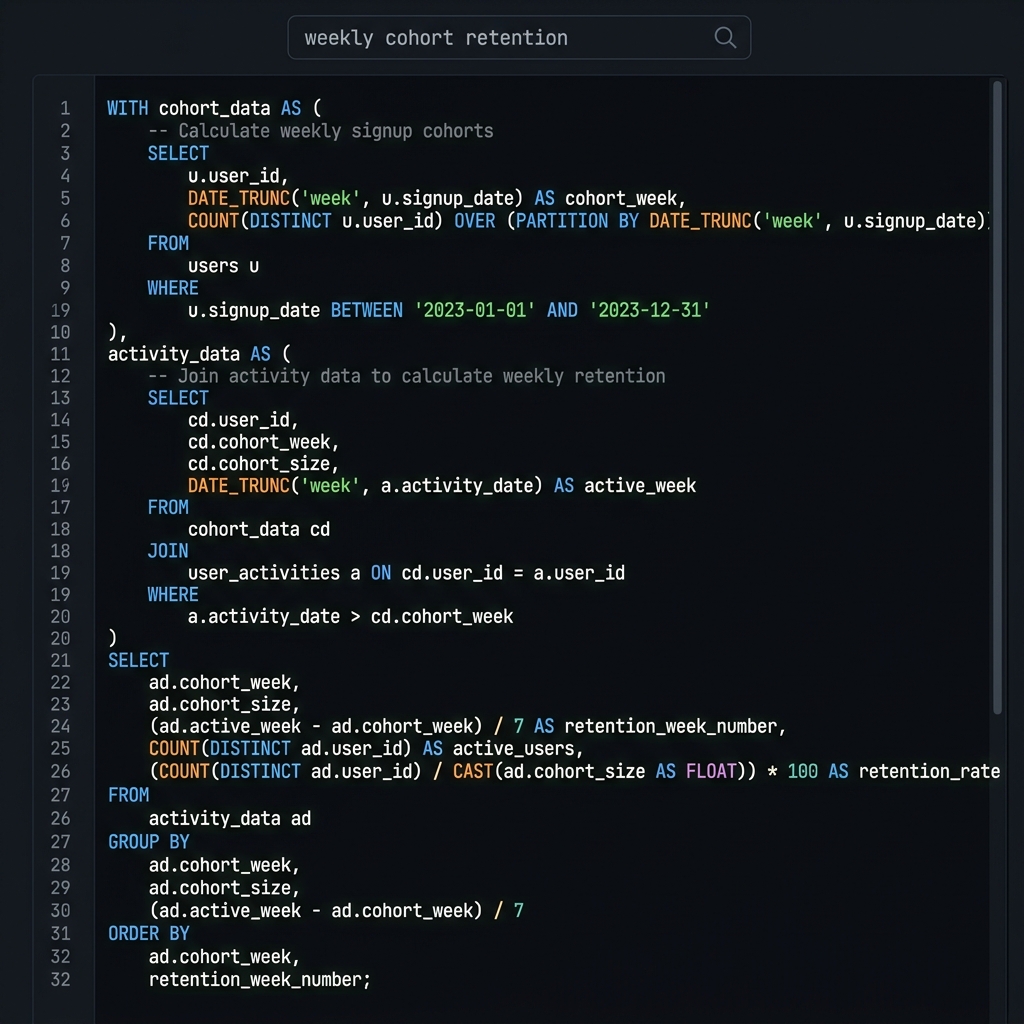
There’s a particular frustration that data analysts know well. You’ve written a query before—a complex aggregation with exactly the right window functions, or a clever CTE that handled that tricky data transformation. You know it exists because you remember writing it. But you can’t find it. It’s somewhere in a pile of .sql files with names like “query.sql” and “query_final.sql” and “query_final_v2.sql,” or lost in the scroll-back of your database client, or in a Slack message you sent to yourself three months ago.
So you write it again. It takes thirty minutes to get the edge cases right, again, and you think about how many times you’ve solved this exact problem before. There has to be a better way.
There is. But it requires treating your SQL queries as the valuable assets they are, not as disposable artifacts to be recreated whenever needed.
Why SQL Deserves Better Treatment
SQL queries accumulate knowledge in ways that other code often doesn’t. A well-crafted query embeds understanding of your data model—which tables join to which, what conditions filter correctly, which aggregations give meaningful results. It embeds understanding of your database’s quirks—which syntax works in PostgreSQL but not MySQL, which operations will time out without specific optimizations, which indexes are available to make things fast.
This knowledge takes time to develop and is easy to forget. The query you wrote six months ago, when you were deep in that analysis, contains insights you no longer hold in working memory. If you can find that query, you recover those insights instantly. If you can’t, you have to redevelop them from scratch.
The problem is that SQL queries typically live in transient contexts. You write them in a database client, run them, and move on. They might be saved in a history that scrolls away or stored in a project folder you won’t think to search. The queries that represent your hard-won knowledge sit there, somewhere, getting progressively harder to find.
What Data Analysts Need
General-purpose snippet managers work for SQL, but they’re not optimized for it. Understanding what analysts specifically need helps identify the right approach.
Multi-dialect support matters because most analysts work with multiple databases. The syntax for date manipulation in PostgreSQL differs from MySQL differs from BigQuery. Window function syntax varies. Even basic string operations have platform-specific quirks. Your snippet manager should highlight SQL correctly regardless of dialect.
Context preservation is crucial. A query without context is a puzzle. Which database is this for? What was the source of this data? Why did you use this particular approach? The ability to add notes alongside your SQL—explaining not just what the query does but why it does it that way—separates useful snippets from mysterious code fragments you’ll struggle to understand later.
Fast search matters because you’ll search often. Data work is iterative—you’re constantly looking for variations on queries you’ve written before. If finding a query takes more than a few seconds, you’ll start rewriting instead of searching. The search needs to be fast enough that looking something up is easier than recreating it.
Building an SQL Snippet Library
Start with a capture-everything approach. For a week or two, save every query that took more than five minutes to write. Don’t worry about organization yet—just accumulate. Use titles that describe what the query does: “Weekly active users by signup cohort” rather than “WAU query.”
Add context while it’s fresh. When you save a query, take thirty seconds to note what it’s for, which database it runs against, and any non-obvious aspects of how it works. This context becomes invaluable months later when you’ve forgotten the details.
Templates emerge naturally from your collection. After you’ve saved a few dozen queries, you’ll notice patterns—the same CTEs appearing in different analyses, the same aggregation patterns with different dimensions, the same window functions for slightly different purposes. Extract these into templates: partial queries with comments indicating what to customize.
Over time, your snippet library becomes a personal SQL cookbook, customized for your data, your databases, and your analytical patterns. This is genuinely valuable—it represents accumulated expertise in a searchable, reusable form.
Tooling for SQL Snippets
General-purpose snippet managers can work, but some fit the SQL use case better than others.
ZetoPad handles SQL well. It supports syntax highlighting for multiple SQL dialects, and its fast search makes finding queries genuinely quick. The ability to add markdown notes alongside code lets you document context. Encryption protects sensitive queries—particularly relevant for analysts who work with production data and may embed connection strings or sample data in their snippets.
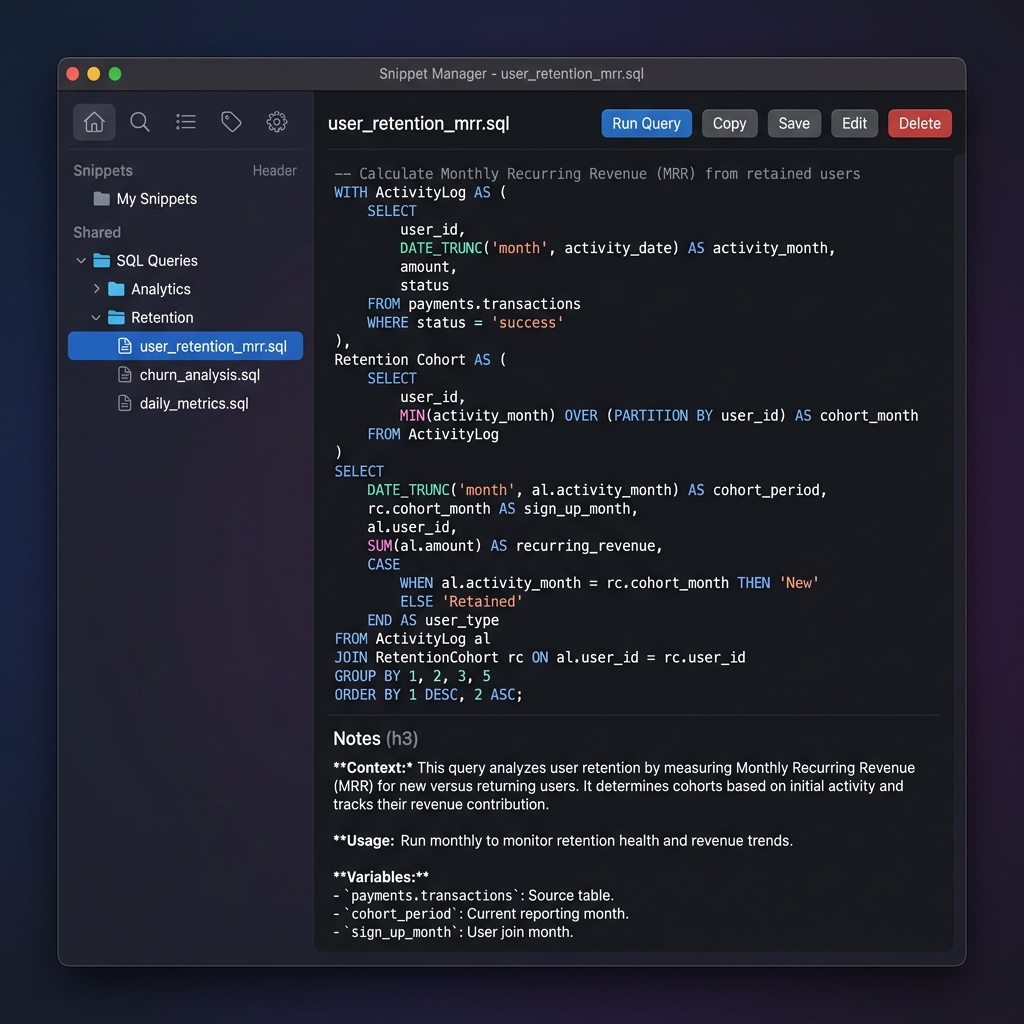
SnippetsLab also works for SQL. Its Smart Groups feature can create dynamic collections of SQL queries filtered by tag or content. The Mac-native experience appeals to analysts who work primarily on macOS.
massCode is a free alternative. It highlights SQL and offers basic organization. The Electron overhead matters less for occasional use than for a primary development tool.
Database clients themselves often have snippet features. DataGrip has a sophisticated snippet system. DBeaver offers basic snippet storage. The advantage is integration with your query execution environment; the disadvantage is lock-in to a specific client and often limited search capabilities.
Practical SQL Snippet Workflow
When you finish writing a query that worked well, save it immediately. Don’t tell yourself you’ll organize it later—that never happens. Open your snippet manager with a keyboard shortcut, paste the query, give it a descriptive title, and get back to work. This should take under ten seconds.
Use a naming convention that facilitates search. Include what the query measures, what it groups by, and any notable methodology. “Revenue by product category with rolling 30d average” is searchable in multiple ways; “rev_query_final” is not.
Note the execution context. Which database server? Which schema? What date range makes sense? What takes a long time and might need optimization? These notes save your future self from re-debugging queries that work but have operational concerns.
Revisit and refine periodically. Every few months, spend fifteen minutes scanning recent snippets. Improve titles that turned out to be unclear. Consolidate duplicates. Add notes to queries you’ve reused and have new insights about. This light maintenance keeps the collection useful.
Start Accumulating
The best time to start a SQL snippet library was when you started doing data work. The second-best time is now. Every query you save is one you won’t have to recreate. Every piece of context you capture is expertise preserved.
ZetoPad’s trial is free for two weeks with no account required. If you’re going to use a snippet manager seriously, fast search and proper encryption are worth having. Try it for your SQL work and see if the experience matches what you need.