Open Source Snippet Manager: Pros, Cons, and Alternatives

The developer community has a deep and justified appreciation for open source software. We build our careers on Linux, Git, and countless other open source tools. When choosing any category of software, “is there an open source option?” is often the first question asked. For code snippet managers, the answer is yes—but whether open source is the right choice requires looking beyond the license.
Why Open Source Appeals to Developers
The appeal of open source goes beyond the price tag. There’s something reassuring about being able to inspect the code that handles your data. You can verify that the tool isn’t phoning home, exfiltrating your snippets, or doing anything unexpected. You can fix bugs yourself if the maintainer is slow to respond. If the project is abandoned, you can fork it and continue development.
There’s also the philosophical alignment. Many developers feel that tools for developers should be developed openly, with the community able to contribute improvements. The software we use shapes how we work, and having a voice in that through code contributions feels right.
These are genuine benefits, and they matter. But open source also comes with challenges that are particularly acute in the snippet manager space.
The Current Open Source Landscape
massCode is the standout open source snippet manager. It’s a proper desktop application with real features: nested folders, tags, syntax highlighting for many languages, code snippet syncing through folder synchronization services. The interface is modern and reasonably polished. For an open source project, it’s impressively complete.
The limitations, however, are significant. massCode is built on Electron, the framework that packages web applications as desktop apps. This makes cross-platform development easier but comes at a cost: typical RAM usage hovers around 300MB, startup is slow, and performance degrades noticeably with large snippet collections. For comparison, native applications can deliver the same functionality using a fraction of those resources.
There’s also no encryption. Your snippets are stored as plain JSON files, readable by any process or user with access to your filesystem. If you ever save anything sensitive—an API key, a database connection string, a proprietary algorithm—it sits there unprotected.
The bus factor is perhaps the most concerning limitation. massCode is primarily maintained by one developer. This isn’t a criticism—it’s incredibly difficult to build and maintain a complex application alone, and the work is admirable. But relying on software that could become unmaintained if one person’s circumstances change is a risk, especially for a tool where your data accumulates over years.
Other open source options exist but come with more severe limitations. Lepton was popular but has been abandoned since 2020, with known security vulnerabilities unpatched. Gisto and similar tools suffer from similar maintenance issues. Snibox requires running your own Ruby on Rails server, which is far more complexity than most developers want for a personal tool.
The Electron Problem
A pattern emerges when looking at open source snippet managers: nearly all of them use Electron. This isn’t coincidental. Building native applications for multiple platforms is genuinely difficult. Electron lets developers use web technologies they already know, write code once, and run it everywhere.
The tradeoff is performance. Electron applications are essentially running a full Chrome browser plus a Node.js runtime. This consumes memory aggressively—300MB is typical, 500MB not unusual. CPU usage is higher than native alternatives. Battery life on laptops suffers. And perhaps most importantly for a snippet manager, search performance degrades because JavaScript, for all its improvements, simply cannot match native code speed for CPU-intensive operations like searching large text corpora.
For some applications, these tradeoffs are acceptable. For a snippet manager—a tool you want to invoke instantly, search quickly, and dismiss without thinking—they create friction that accumulates over time.
When Open Source Is the Right Choice
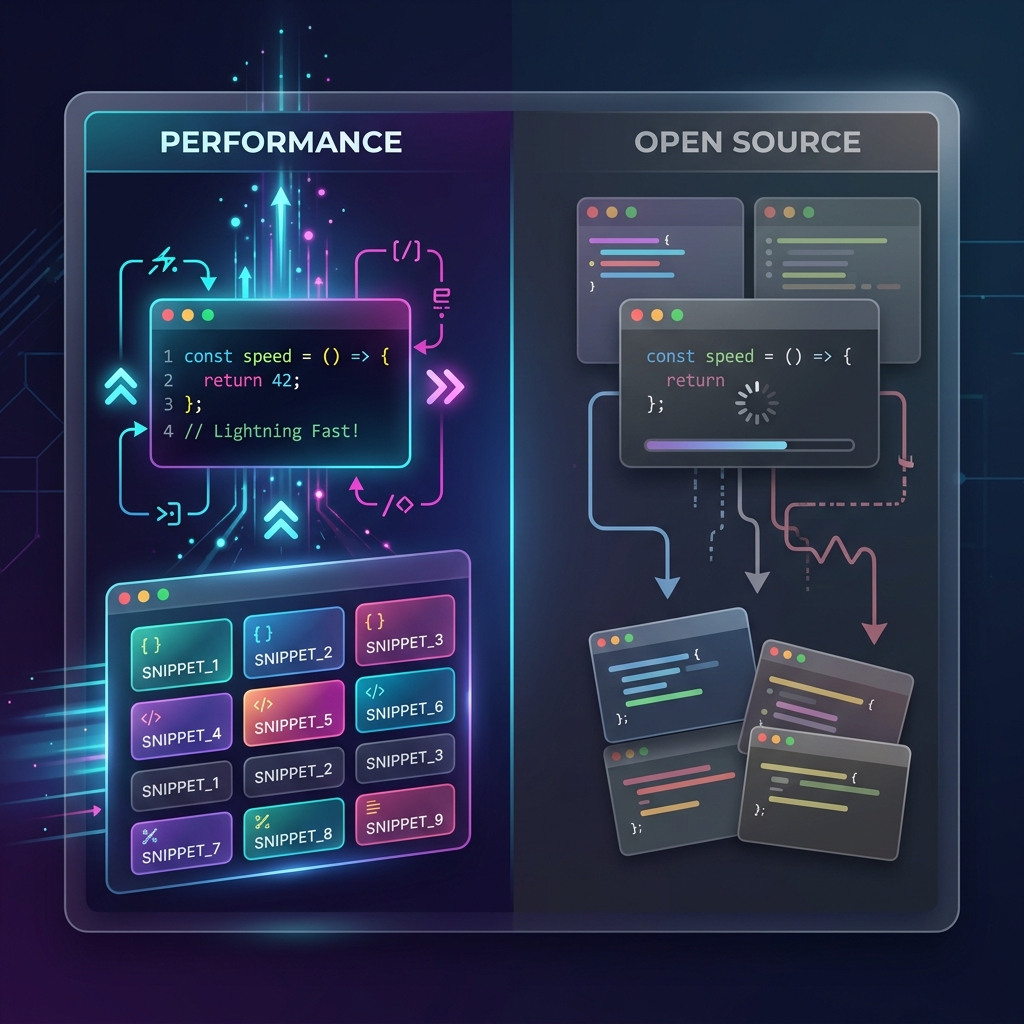
Open source snippet managers make sense in certain situations. If your budget is strictly zero and you need more than GitHub Gists provide, massCode is dramatically better than nothing. If you have specific needs that require modifying the source code, open source gives you that option. If you’re philosophically committed to open source for all your tools, the current options are usable even if not ideal.
For teams with security requirements that mandate code review of all tools, open source allows that verification. Though it’s worth noting that the ability to review code only matters if you actually review it, and few developers audit the full codebase of every open source tool they use.
When Commercial Alternatives Make Sense
The limitations of open source snippet managers aren’t fundamental to open source—they’re reflections of the economics of open source development. Building fast, reliable, secure software is expensive. It requires sustained effort over years. Most developers can’t dedicate that time without compensation, which is why so many open source projects are undermaintained.
Commercial alternatives can invest in things open source projects typically can’t: native development across platforms, sophisticated indexing algorithms, proper security implementations, long-term maintenance, and dedicated support.
ZetoPad represents this approach. It’s built with Rust and GPUI, delivering native performance that Electron cannot match. The search engine uses trigram indexing with BM25 scoring, the same techniques used by professional search engines, to deliver results in under 10 milliseconds. SQLCipher provides genuine encryption for sensitive snippets. And sustainable business model—one-time purchases rather than subscriptions—funds continued development.
The code isn’t open source, but the data is completely under your control. Snippets are stored locally in a standard SQLite database. Export to Markdown, CSV, or JSON is built in. There’s no lock-in beyond preferring the tool.
Making the Choice
The choice between open source and commercial snippet managers isn’t purely ideological. It’s a practical decision based on what you need from the tool.
If free is essential and you can tolerate Electron’s overhead, massCode is the best open source option. Use it, contribute to it if you can, and help improve the ecosystem.
If performance, security, and long-term reliability matter more than license philosophy, commercial tools like ZetoPad may serve you better. The fourteen-day free trial requires no account and has no limitations—you can evaluate whether the performance difference justifies the cost without risking anything.
The goal, after all, is to save and find code quickly. The tool that actually accomplishes that goal for you is the right choice, regardless of its license.