Offline Code Snippet Manager: Why Local-First Matters

The promise of cloud computing was access anywhere. Store your data on the internet, and you can reach it from any device, any location, any time. For many categories of software, this promise has delivered immense value. But for developer tools—and snippet managers specifically—the cloud-first approach has significant downsides that are becoming increasingly hard to ignore.
Understanding why offline-first tools are gaining ground requires looking at what developers actually experience with cloud-dependent software, not just what marketing materials promise.
The Reality of Cloud Dependency
Cloud-based snippet managers work well in ideal conditions: stable internet, no service disruptions, no security policies blocking access. The problem is how often conditions aren’t ideal.
Airplane coding is the obvious case. A four-hour flight is a remarkably productive work environment—no meetings, no Slack notifications, limited distractions. Many developers specifically choose flights for focused coding. But if your snippet manager requires internet, this uninterrupted time comes with a significant handicap: no access to your code library.
Coffee shops and co-working spaces have WiFi that ranges from good to unusable. If you’re one of the developers who works in these environments regularly, you’ve experienced the frustration of tools becoming unresponsive when the network degrades. Cloud snippet managers don’t fail gracefully—they just become slow or non-functional.
Corporate environments often have security policies that limit outbound connections. Enterprise developers may find that cloud-based tools are simply blocked, or that using them requires IT approval that’s not worth pursuing for a personal productivity tool.
Regional restrictions matter for developers who travel or work internationally. Some cloud services are unavailable in certain countries. Others become severely degraded due to routing.
And then there are outages. AWS, Google Cloud, and Azure all have documented incidents where major services were unavailable for hours. If your snippet manager depends on one of these providers—and most cloud-based tools do—you’re exposed to their uptime, not just your own.
What “Offline-First” Really Means
The phrase “offline-first” gets used loosely, so it’s worth being precise. True offline-first means the tool’s primary mode of operation is local. Everything works without network connectivity. Internet is entirely optional, used only for features that genuinely require it (like sync between devices, if you want that).
This is different from “has offline mode.” Many cloud-based tools offer degraded functionality when offline—you can view cached snippets but not create new ones, or changes wait in a queue until connectivity returns. This isn’t offline-first; it’s cloud-first with offline as an afterthought.
True offline-first tools don’t require accounts. There’s no sign-in, no authentication against a remote server, no “please log in to continue.” You download the application, run it, and it works. Your data is a file on your disk, not an entry in someone else’s database.
Beyond Offline: The Local-First Advantages
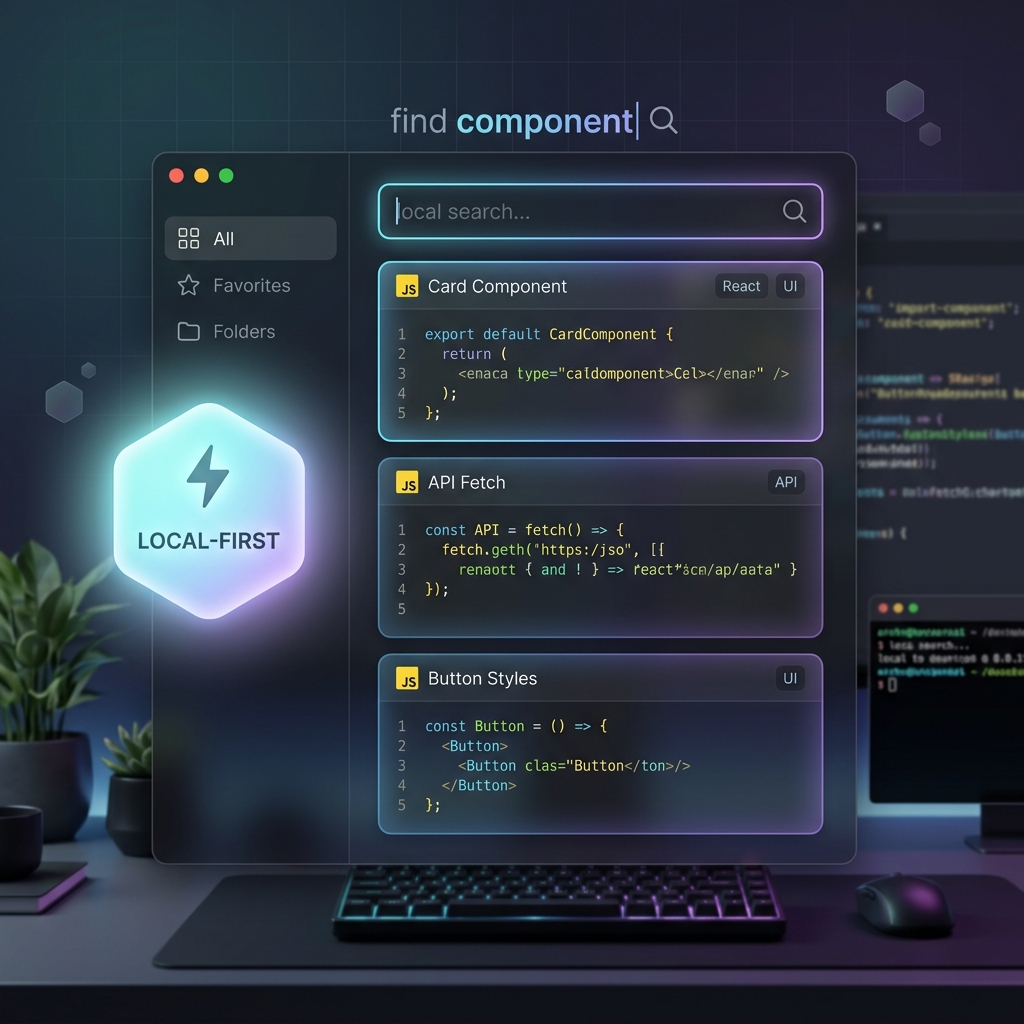
Offline capability is the most obvious benefit of local-first architecture, but it’s not the only one.
Speed is inherently better when data doesn’t travel over networks. A cloud snippet manager’s minimum latency is bounded by physics: your query travels to their datacenter, gets processed, and results return. Even with perfect servers and fast internet, this takes tens to hundreds of milliseconds. A local snippet manager has no such floor. ZetoPad returns search results in under 10 milliseconds because there’s no network hop—just computation on local data.
Privacy is guaranteed in a way that policies and promises cannot match. When your snippets never leave your machine, there’s no opportunity for breach, no exposure to subpoenas, no possibility of employees accessing your data. This isn’t “trust us, we encrypt everything”—it’s structural privacy through architecture. The data physically doesn’t exist anywhere except your disk.
Reliability depends only on your hardware, not on someone else’s infrastructure. Cloud services have uptime guarantees in the range of 99.9% to 99.99%. That sounds impressive until you calculate it: 99.9% uptime means nearly nine hours of downtime per year. That downtime never happens when you need it to—it happens when you’re trying to ship something urgently. Local tools fail when your computer fails, which is something you control and notice immediately.
Longevity isn’t subject to business decisions. Cloud services shut down, get acquired, pivot to different markets, or become unaffordable. When your data lives on someone else’s servers, you’re dependent on their continued operation. Local tools with open data formats (like SQLite databases or plain files) work as long as you have the files. You can read a SQLite database from 2010 with any tool written since then; you cannot access a cloud service that shut down in 2012.
The Sync Question
The main objection to offline-first tools is sync. “I work on multiple machines and need my snippets everywhere.” This is a legitimate need, and it’s worth addressing directly.
First, sync is less essential than it might seem. Many developers primarily work on a single machine. If you’re a laptop-only developer, sync between devices is not something you actually need—you just assumed you needed it because cloud tools come with it automatically.
Second, sync can be solved without cloud snippet managers. Your local snippet database is just a file. You can sync it with Dropbox, iCloud, Google Drive, or any file synchronization service you already use. You can version it with Git if you want history. You can copy it with rsync or rclone. These approaches keep your data under your control while still making it available on multiple machines.
Third, sync that you control has advantages over sync that a service controls. You decide where your data goes and how it’s protected. If you sync through a service you trust more than a snippet manager’s infrastructure, that’s an improvement, not a compromise.
ZetoPad takes this approach: local storage by design, sync through whatever mechanism you prefer. Your snippet database is a standard SQLite file. Put it anywhere.
Making the Switch
If you’re currently using a cloud-based snippet manager, switching to offline-first is simpler than it might seem. Most cloud tools offer export functionality. ZetoPad imports from Markdown, CSV, and plain text files. Export from your current tool, import into ZetoPad, and you’re running—with no cloud dependency, no account, and instant search.
The fourteen-day trial is completely unrestricted. Use it as your primary tool for two weeks and see if you miss the cloud. Most developers find they don’t—the speed and reliability of local-first outweighs the marginal convenience of automatic sync.