Developer Productivity Tools 2026: Building the Right Stack
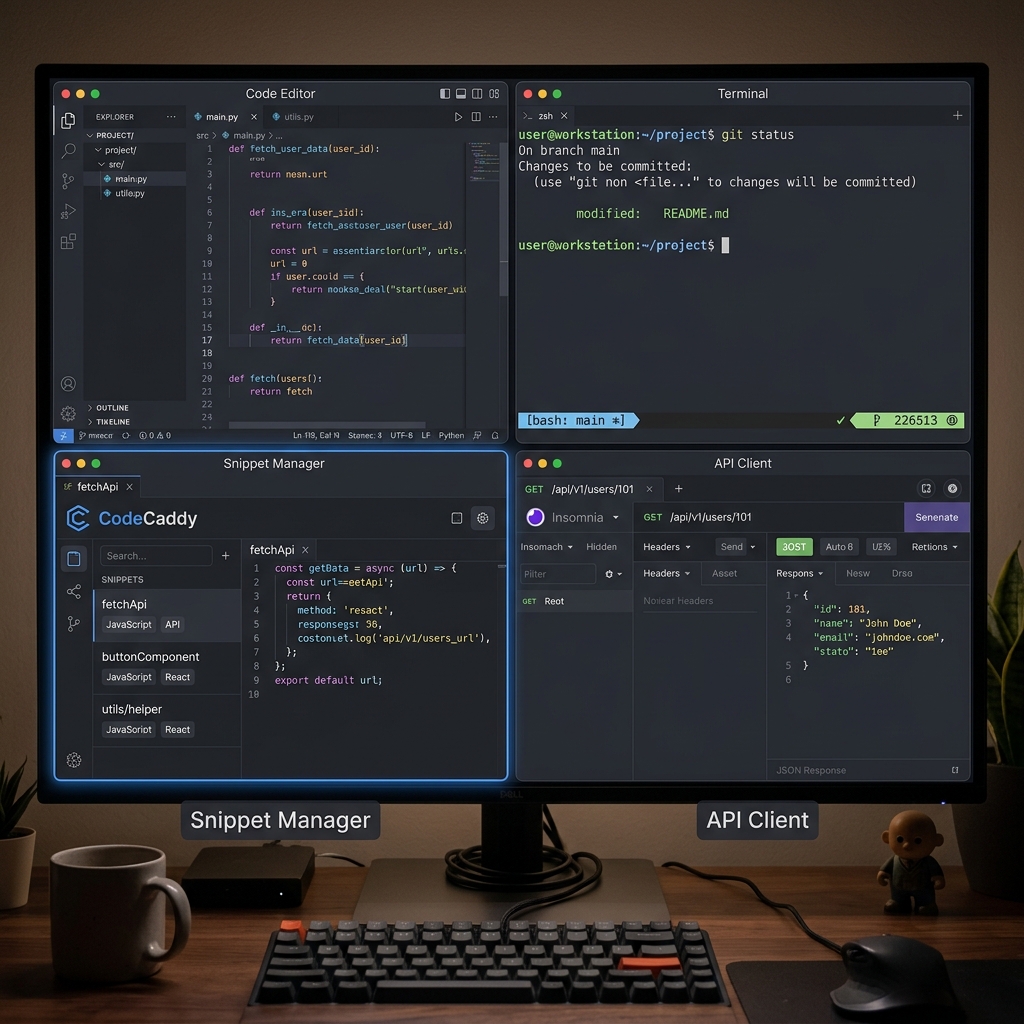
There’s a particular kind of productivity obsession that afflicts developers. We read about tools constantly, try new ones eagerly, and spend hours configuring our environments. Sometimes this investment pays off—the right tool at the right time can transform a workflow. Sometimes it’s just procrastination dressed up as productivity. Distinguishing between the two requires understanding what actually makes tools valuable.
The tools that matter in 2026 aren’t necessarily the newest or most featured. They’re the ones that disappear into your workflow, reducing friction without demanding attention. They’re fast enough that you don’t wait for them. They’re reliable enough that you don’t think about them. They solve real problems you actually have.
The Core of the Modern Developer Stack
Every developer needs certain fundamental tools. The differences between acceptable and excellent in these categories have a cumulative effect that shapes your working experience.
Code editors are the most personal choice. Zed has emerged as the speed-focused option, built in Rust with native performance that makes VS Code feel sluggish by comparison. Cursor has captured developers who want AI deeply integrated into their editing experience. VS Code remains the most flexible, with an extension ecosystem that can make it do almost anything. Neovim continues to appeal to those who want maximum customization and keyboard-driven efficiency.
The “best” editor depends on your priorities. If AI integration is paramount, Cursor is unmatched. If startup time and responsiveness matter most, Zed is fastest. If you need specific extensions that only exist for VS Code, that’s your answer. If you’ve invested in learning Vim motions and value terminal integration, Neovim fits naturally.
Terminals have evolved beyond simple text interfaces. Warp brings AI assistance and modern UI conventions to the terminal, appealing to developers who want their terminal to feel as refined as their editor. iTerm2 remains the power user choice on Mac, with extensive configuration and reliability built over years. Kitty and Alacritty offer raw speed for those who don’t need bells and whistles.
The Often-Missing Piece: Snippet Management
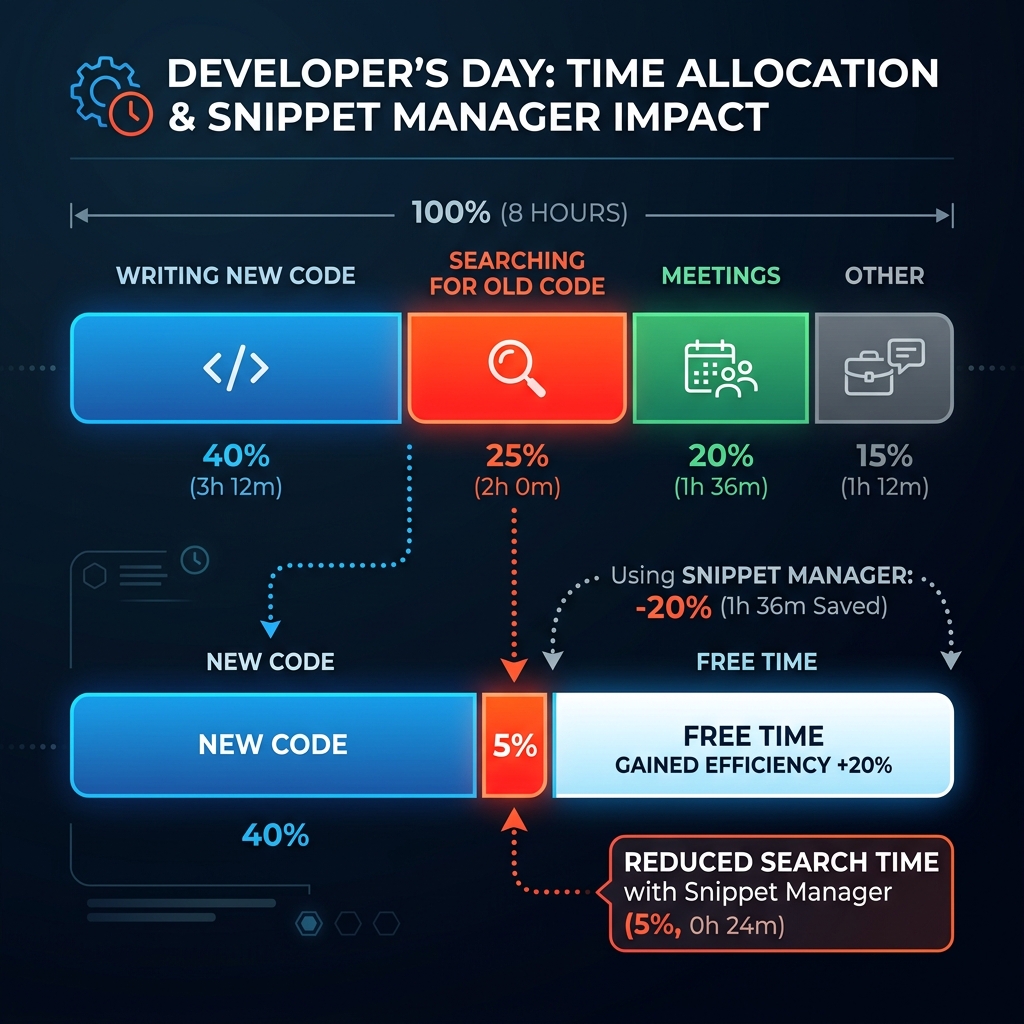
Among developers who obsess about editors and terminals, snippet management is surprisingly neglected. The same person who will spend an hour configuring their shell prompt often has years of useful code scattered across random files, Slack messages, and GitHub Gists.
This neglect is understandable. Snippet managers historically have been either too simple (basically a text file with syntax highlighting) or too complex (requiring elaborate organization and categorization). They’ve been slow, or cloud-dependent, or abandoned by their creators. The category hasn’t inspired confidence.
But a good snippet manager solves a real problem. The code you write once and might need again—utility functions, command-line incantations, configuration patterns, clever solutions to tricky problems—this code has value. If it’s scattered and hard to find, that value leaks away. If it’s organized and instantly searchable, it accumulates and compounds over years.
ZetoPad represents a new approach to this category. Built with the same speed-focused philosophy as Zed (and actually using Zed’s GPUI framework), it prioritizes the things that make a snippet manager actually usable: instant search, minimal friction for saving, and reliability that makes you trust the tool with your code.
Search completes in under 10 milliseconds. This isn’t a benchmark number—it’s the actual experience. You start typing, and results appear as if they were always there. This changes your relationship with the tool. Instead of trying to remember where things are, you just search. Instead of hesitating about whether to look something up, you just look. The psychological shift matters more than the milliseconds.
The tool runs entirely offline, requires no account, and makes no network connections. Your snippets are yours. Optional encryption protects sensitive code. The approach is deliberately minimal: do the core thing exceptionally well rather than accumulating features.
Supporting Tools
Beyond the core of editor, terminal, and snippet manager, supporting tools round out a productive environment.
API development tools have evolved past Postman’s complexity. Bruno offers local-first API testing with collections stored as files you can version control. The interface is simple enough to use casually without configuration overhead. For developers who occasionally need to test endpoints but don’t want to maintain another complex tool, Bruno hits a sweet spot.
Note-taking for developers has consolidated around Obsidian for those who want local Markdown files and graph-based organization, and Notion for those who prefer collaborative features and databases. The choice depends on whether you prioritize privacy and local control (Obsidian) or team features and flexibility (Notion).
Database tools like TablePlus offer native interfaces for working with databases that feel like they belong on your operating system. The alternative—using a heavyweight IDE or command-line clients exclusively—works, but dedicated database tools make exploration and debugging noticeably smoother.
Building Your Stack
The tendency when reading about productivity tools is to add things. More tools, more configurations, more possibilities. But the developers with the smoothest workflows often have fewer tools, not more. Each tool they use is chosen deliberately and learned deeply.
Start with your actual pain points. What friction do you encounter regularly? What tasks take longer than they should? What do you avoid doing because the tools make it annoying? These are the places where better tools make real differences.
Don’t adopt tools because they’re new or popular. Adopt them because they solve problems you have. The latest AI-powered whatever isn’t useful if you don’t have the problem it addresses. Conversely, a simple tool that removes daily friction is worth more than a fancy tool you’ll never quite learn.
Invest time in learning the tools you choose. A power user of a simple tool often outproduces a casual user of a complex tool. Keyboard shortcuts, configuration options, advanced features—these compound over time. The thirty minutes spent learning your tool’s capabilities pays back over years of use.
The Snippet Manager Gap
Most developers reading this don’t use a dedicated snippet manager. They should. The accumulated value of years of code, instantly searchable, changes how you work. You stop rewriting things you’ve written before. You build on your past solutions instead of recreating them. Your productivity compounds.
ZetoPad offers a two-week trial with no limitations and no account. Try it alongside whatever informal snippet storage you currently use. Most developers who experience sub-10ms search and genuine offline-first design find it clarifying—either it doesn’t matter to them (in which case, no harm done), or it matters enough that they wonder how they worked without it.